Before you connect
The right client.
The right world.
Avenor uses a custom ClassicUO client and matching custom map and art files. Use the package supplied by the shard team; mixing a stock client or unrelated assets can produce missing features or incorrect terrain.
Your first session
Five small steps.
Choose a starting kit.
Your character begins with a protected dagger, 10 gold, a Wayfarer's Rune, a candle and basic clothing. Claim a one-time starter choice: a blade, agile blade, bow, wand or mace-and-buckler set.
Closed the choice window? Open Main Menu → Character → Starter equipment. Your choice grants equipment, not a class.
Put your first points to work.
At level 2 you earn your first ability point and three stat points. Open Progression to allocate attributes, then Ability Tree to choose a Foundation. Rank 1 gives you your first branch action.
Make the interface yours.
Open Action Book and drag your combat actions to the eight ability slots. In Options → Items & Equipment, add potions, bandages or food to the separate 12-slot Item Bar. Hold Alt to move fixed HUD panels outside combat.
Use the searchable Settings and Keybinds & Macros editor to choose your shortcuts. Read enemy cast bars, and use the Combat journal to understand a result.
Find a reason to explore.
Not sure where to go next? Check the recommended level zones map and pick an area that suits your character.
Read NPC quest markers and track up to five quests. The world map also shows quest markers for nearby NPCs currently known to the client; enable Show mobiles to see them. Inspect equipment requirements before buying or crafting. Bows do not need ammunition in Avenor.
Choose a craft or find company.
Pick two main professions when you are ready. Fishing and Cooking are already available. Parties support up to ten adventurers; eligible nearby members share experience rather than each receiving the full solo reward.
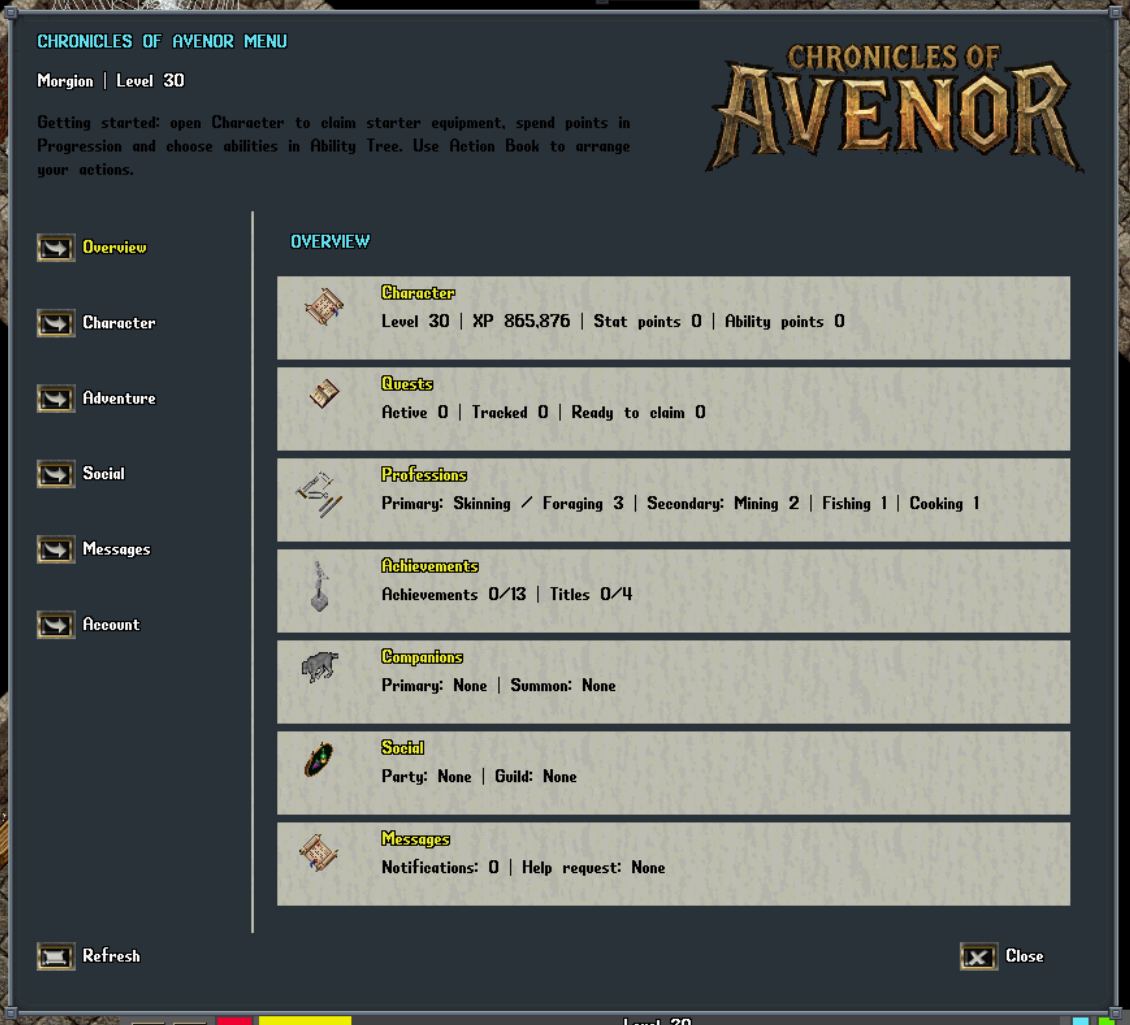
Your character, professions, companions, quests and messages are gathered in the Avenor menu.
Before the first adventure
A few things to know.
Am I locked into a class?
No. The three ability branches are open, and hybrid prerequisites exist. Points are finite, and only one global capstone can be unlocked. Starter gear does not choose a class for you.
Can I reset my character?
Crafted Stat Reset and Ability Reset Scrolls refund their respective allocations, preserving level and profession progress. Resets are restricted during combat and active actions.
Can I wear useful equipment at level 1?
Yes. Tier I one-handed weapons, bows, wands, spellbooks, leather armor and magic clothing can be used from level 1 without their waived equipment-training requirements. Heavy two-handed weapons, studded armor and ringmail begin at level 5. Plate and specialized equipment retain their own requirements; always check the tooltip.
Is every location on the map ready?
The illustrated atlas introduces Erdain's geography. World-building and client development continue. This guide describes implemented systems, not a promise that every named place has a complete encounter or quest chain.
Where do I find the details?
Start with Your character, then read the Combat notebook. The reference page explains the rules snapshot and source scope.